
Claude Code Image Generation with Playcut Brush
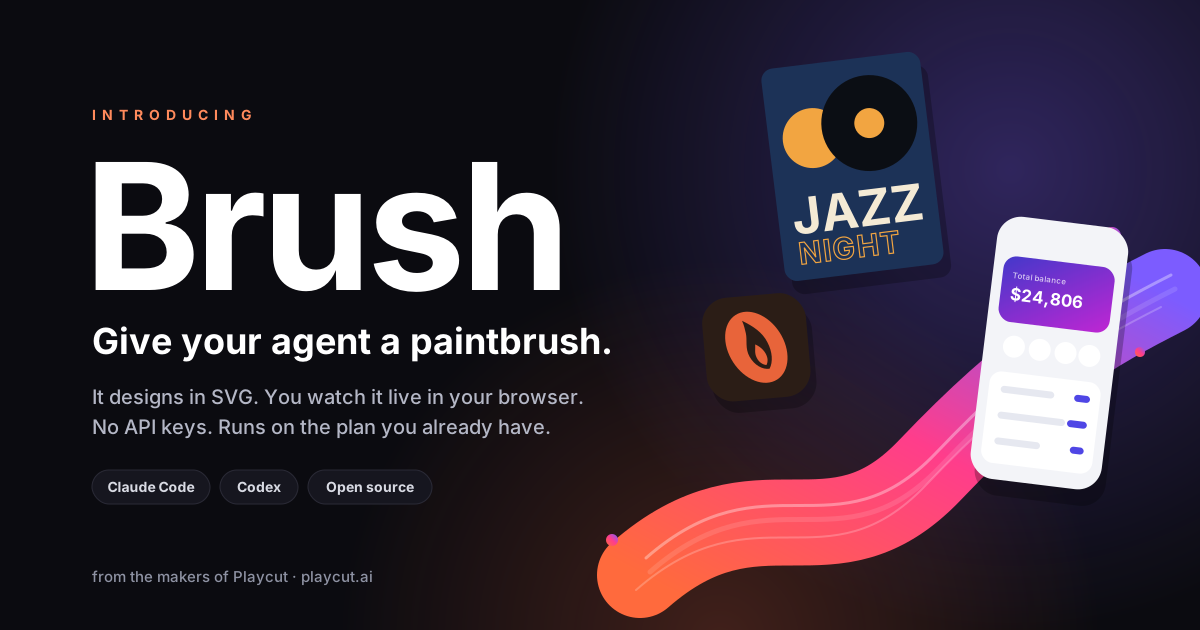
Playcut Brush adds image generation to Claude Code for free. Your agent designs posters, logos, app screens, and dashboards as SVG, and you watch each version appear live in a browser tab. No image model, no credits, no API key.
Install in Claude Code
Two commands, then ask for a design
/plugin marketplace add mehrang0/playcut-brush
/plugin install brush@playcut
Codex, Cursor, Gemini CLI
Copy the skill folder (Codex path shown)
git clone --depth 1 https://github.com/mehrang0/playcut-brush /tmp/playcut-brush
cp -R /tmp/playcut-brush/skills/brush ~/.agents/skills/brush
Designs Claude Code made with Brush
Each one is a real SVG file, one prompt each, refined by asking for changes.
-
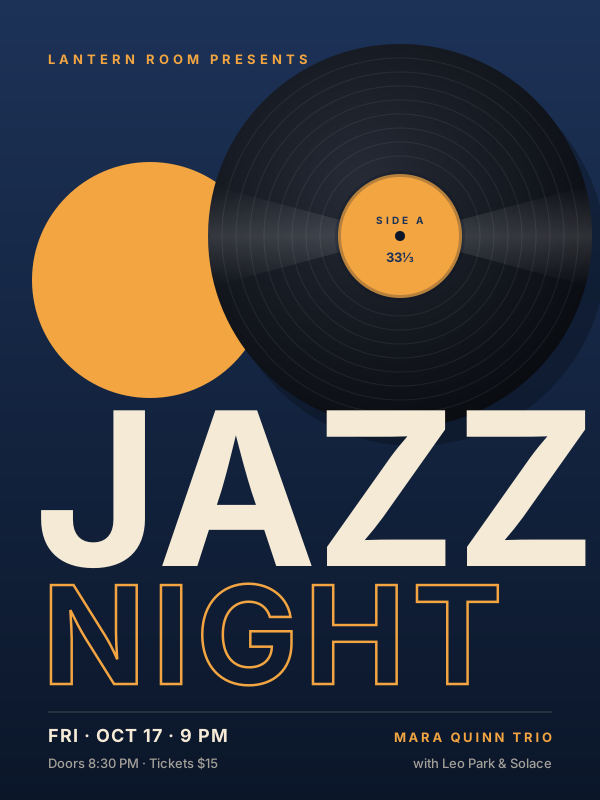
Event poster
-
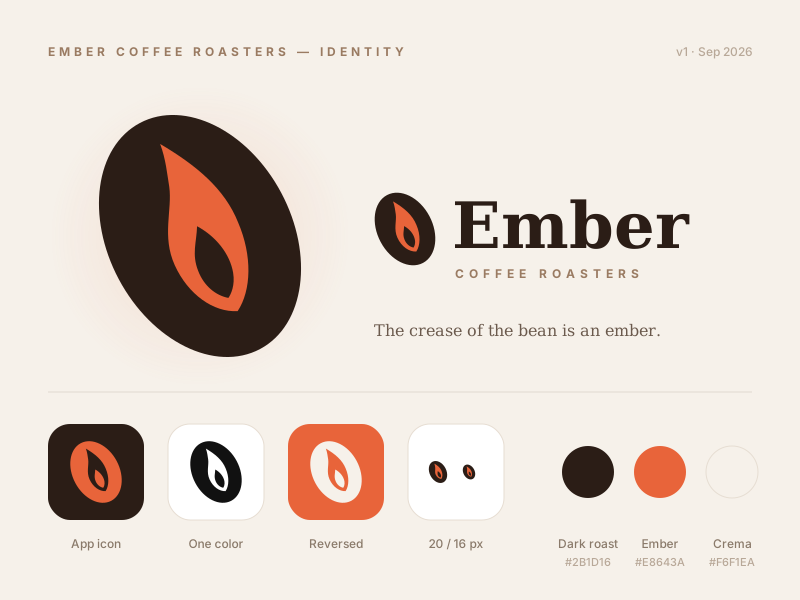
Logo sheet
-
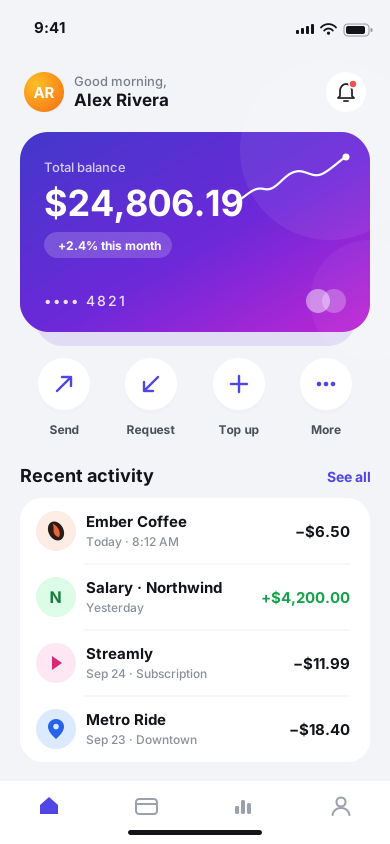
App screen
-
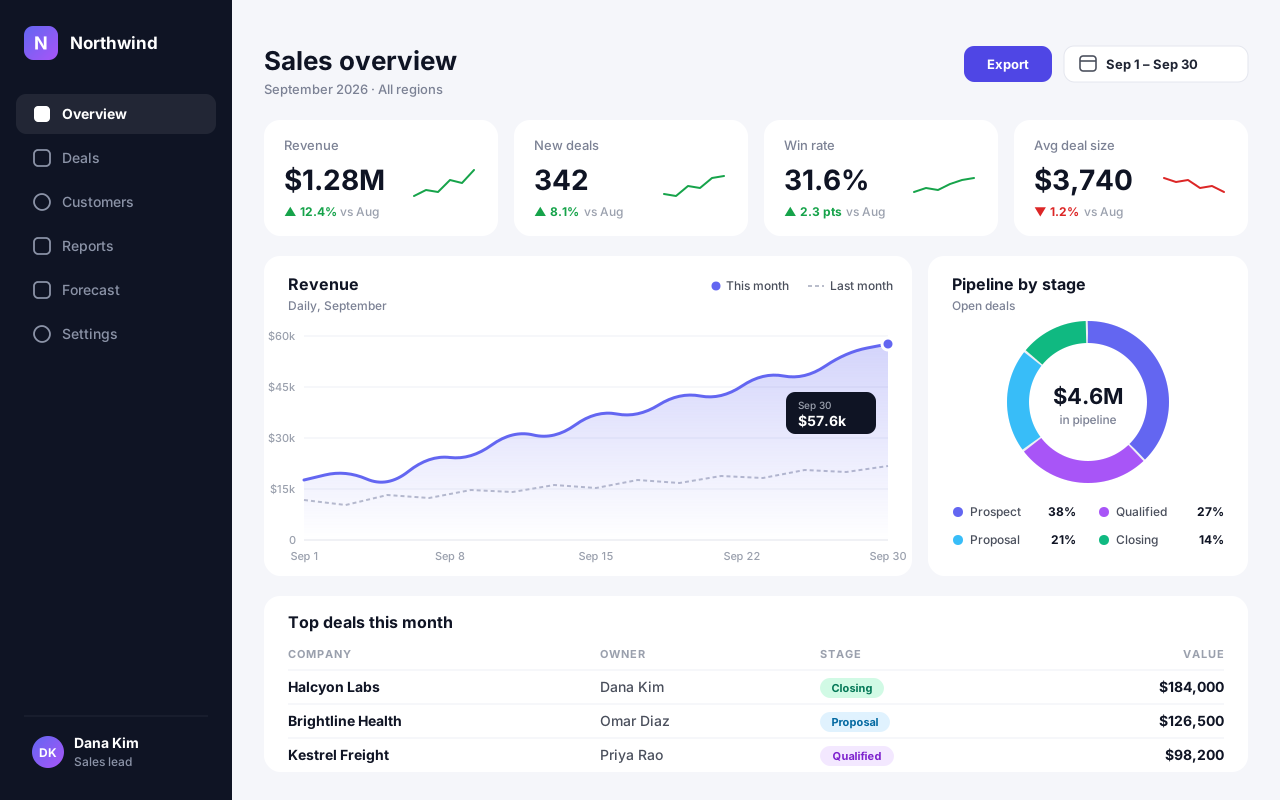
Dashboard
-
Launch banner
Can Claude Code generate images?
Yes, as SVG. Claude Code has no image model of its own, but SVG is plain text, and language models write it as easily as code. The catch has always been seeing the result: an SVG in your editor is just markup.
Playcut Brush closes that gap. It gives Claude Code a live canvas, so the first design opens a browser tab and every change you ask for updates the same tab. You describe it, the agent draws it, you watch it land.
How Claude Code image generation works with Brush
Brush is one Agent Skill plus one small script with no dependencies. When you ask for a design, the skill has Claude write a complete, self-contained SVG file and run the script to show it.
- Claude writes the design, for example
jazz-poster.svg. - The script starts a local server on
127.0.0.1:2673and opens your browser the first time. - The browser tab draws the design and sends a PNG snapshot back.
- Claude looks at the snapshot and fixes clipped text, overlaps, or weak contrast before it replies.
That last step is the difference between a first draft and a finished design. The agent reviews its own output the way a designer would, then edits the file instead of starting over when you ask for changes.
What you can design
Brush suits anything built from shapes, type, and layout. It is strongest on work where precise text and clean geometry matter, which is exactly where pixel image models struggle.
- Posters and event flyers, with real, correctly spelled lettering.
- Logos and brand marks, including app icon and one-color variants.
- App screens and landing heroes for quick UI mockups.
- Dashboards, charts, and diagrams drawn to an actual scale.
- Social graphics and banners at any aspect ratio, including 1200 × 630 cards.
Designs can carry subtle SMIL animation, such as a spinning record or a line chart drawing in. Because the output is a file, you can drop it into a site, a slide, or a brand kit, or keep iterating with the agent.
SVG vs an AI image model
| Brush (SVG) | Image model (pixels) | |
|---|---|---|
| Text in the design | Real typography | Often garbled |
| Resolution | Crisp at any size | Fixed pixel size |
| Editing | Every shape and color | Regenerate or paint over |
| Cost | Your existing agent plan | Credits or a subscription |
| Best for | Logos, posters, UI, charts | Photos, textures, realism |
The two are complementary. When a design needs a photographic background, an AI actor, or motion video, Playcut's AI image generator renders it, and Brush handles the vector layer on top. The default image model there is Nano Banana Pro, and its page lists Nano Banana Pro credits per image at each resolution.
Privacy: what Brush runs on your machine
Everything stays local. The server only listens on your own machine, turns away requests from other websites, saves snapshots to your temp folder, and shuts itself down after 30 idle minutes with no tab open. It makes no other network requests.
The source is readable and short. Brush is free and open source under Apache-2.0 on GitHub, made by Mehran G and the team behind Playcut. The skill follows the open Agent Skills format, and the output is standard SVG 2.
Using Brush with other Playcut tools
Brush pairs well with the rest of the free toolkit. Turn a Brush logo mark into a full icon pack with the favicon generator, or pull a palette from a reference photo with the color palette extractor and hand the hex codes to your agent.
For link previews, a Brush banner at 1200 × 630 works as an Open Graph card; the OG image generator covers text-only cards when you want one fast. Agents can also drive the full studio through the Playcut MCP server. Not every model is scriptable, though: the lineup marks which of our models the tools API can call and which stay studio-only.
Cost: Brush is free, generated media lives in the app
Brush costs nothing and has no usage limit, because your own agent does the work on the plan you already pay for. There is no image model to meter.
When you need photoreal images, brand-locked AI actors, or video, that runs on paid models inside the Playcut studio. Plans start at Hobby $9/mo (500 credits), then Pro $29/mo (2,000 credits), Studio $79/mo (6,000 credits, 4 seats), and Agency $149/seat/mo. See Playcut pricing for details.
Claude Code image generation FAQ
Can Claude Code generate images?
Claude Code has no built-in image model, but it writes SVG fluently, and SVG is an image format. With the free Playcut Brush plugin, Claude Code designs posters, logos, app screens, and dashboards as SVG files and shows each version live in a local browser tab. For photoreal images or video you still need an image or video model.
Is Playcut Brush free?
Yes. Brush is free and open source under the Apache-2.0 license, with no account and no API key. Designing uses your agent's normal usage on the Claude or ChatGPT plan you already have, because your own agent writes every design.
Does Brush work with Codex, Cursor, or Gemini CLI?
Yes. Brush is an Agent Skill, the open SKILL.md format that Claude Code, Codex, Cursor, Gemini CLI, and other agents read. Claude Code installs it as a plugin in two commands; the other agents load it by copying the skill folder into their skills directory.
Is anything uploaded or sent anywhere?
No. Brush's server runs on your own machine at 127.0.0.1:2673, refuses requests from other websites, and collects nothing. It saves each snapshot as a PNG in your temp folder and shuts down after 30 idle minutes. Your agent talks to its own provider as usual.
How is this different from an AI image generator?
An image model returns pixels: fast for photos, but text often comes out garbled and the result can't be edited. Brush returns an SVG file: real typography, crisp at any size, and every shape and color editable. It suits designed work like logos, posters, and UI; an image model suits photographs.
Need photos, actors, or video too?
Brush draws the vector work. For photoreal stills and cinematic video, explore the Playcut AI image generator or start creating in the Playcut studio.