
Playcut vs Pika: Cinematic Studio vs Quick Generator
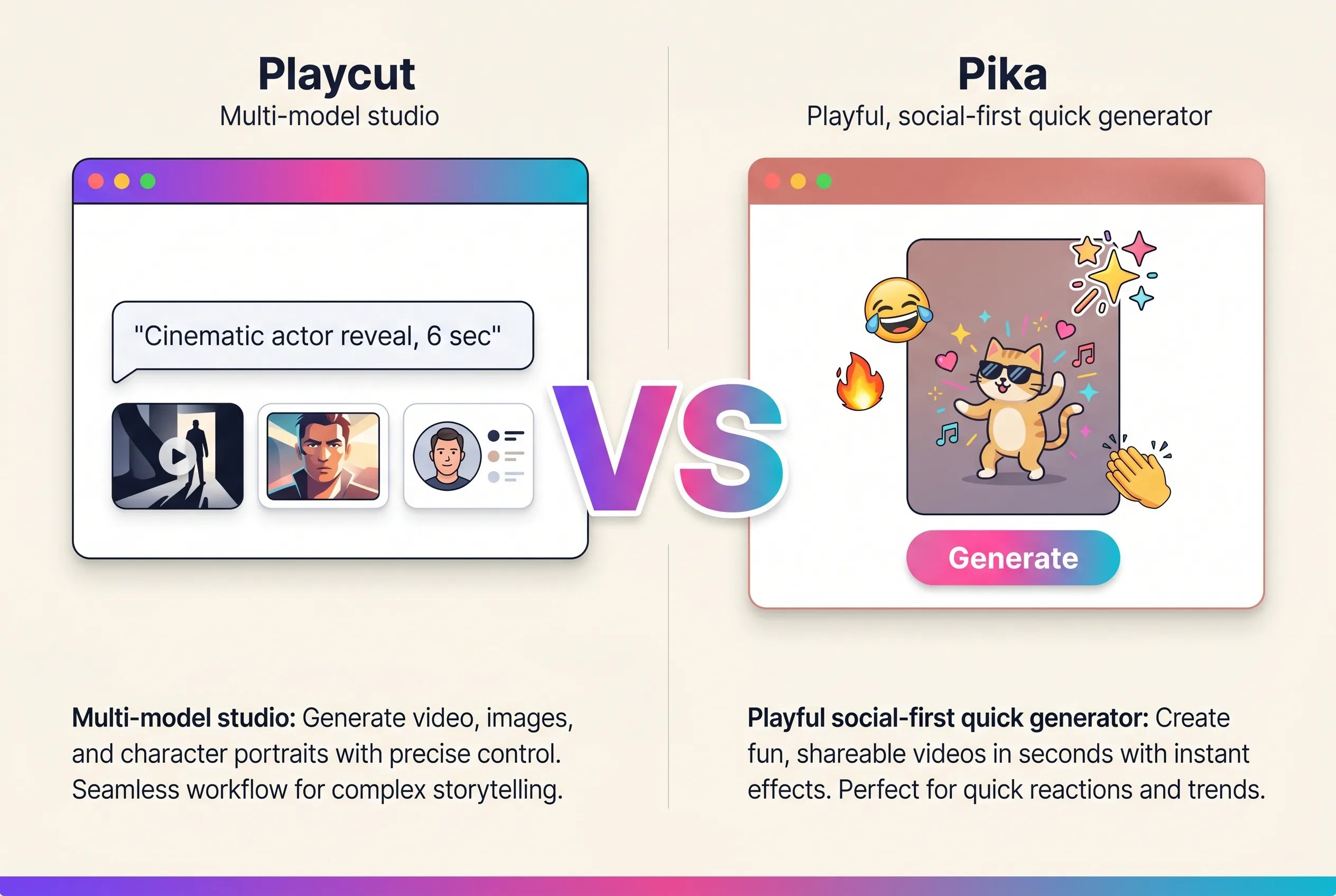
Playcut vs Pika is the comparison every creator runs when choosing between cinematic AI studio software and a fast, stylized AI video generator. Both ship great output. Both have growing communities. But they’re built for different jobs.
This guide compares Playcut and Pika across models, generation quality, pricing, workflow, and team features — so you can pick the one that matches your work.
Table of Contents
- Quick Comparison Table
- Models & Generation Quality
- Pricing
- Workflow & Community
- Team & Workspace Features
- Brand Kits & AI Actors
- Image Generation
- Use-Case Fit
- Verdict
- Frequently Asked Questions
Quick Comparison Table
| Feature | Playcut | Pika |
|---|---|---|
| Cinematic video model | Google Veo | Pika 2 |
| Image generation | Imagen + Gemini | — |
| Reference-style video | Yes | Yes (Ingredients) |
| Lip sync | Via providers | Yes |
| Sound effects | — | Yes |
| Workspaces & team folders | Yes | — |
| Multi-brand brand kits | Yes | — |
| AI actor library | Yes | — |
| Starting paid tier | $19/mo | $10/mo |
| Trial | 7-day on selected plan (card required) | Free tier (watermarked) |
| Community | In-product | Discord-first |
Models & Generation Quality
Playcut: Multi-Model Studio
Playcut routes video to Google Veo — strong motion fidelity, long-shot coherence, prompt adherence. For images, it routes to Imagen and Gemini. For specialized tasks, Grok and fal.ai.
This means you can do cinematic Veo video in the morning, photorealistic Imagen stills in the afternoon, and reference-driven Gemini images for social — all in the same workspace, all on one credit ledger.
Pika: Pika 2
Pika is built on its in-house Pika 2 model. Strong creative output, especially for stylized and social-friendly clips. Pika has shipped fun features — sound effects, lip sync, scenes (multi-shot), Ingredients (reference-based generation).
The catch: it’s one model. Cinematic motion fidelity at the high end usually loses to Veo. Long-shot coherence is weaker.
Verdict on Models
For cinematic motion and long-shot coherence: Playcut (Veo). For fast, stylized, social clips: Pika is genuinely fun and the community has built strong prompt patterns. Different goals, different winners.
Pricing
Playcut Pricing
| Plan | Price | What you get |
|---|---|---|
| Solo | $19/mo | 1,500 credits, 5 custom AI actors, 1 brand kit |
| Team | $49/mo | 4,000 credits, 25 custom actors, multi-brand kits, 4 seats, priority queue |
| Agency | $99/seat/mo | 7,500 credits/seat, unlimited custom actors, unlimited seats, API access |
Pika Pricing
| Plan | Price | What you get |
|---|---|---|
| Free | $0 | Watermarked, limited credits |
| Standard | $10/mo | 700 credits |
| Pro | $35/mo | 2300 credits |
| Fancy | $95/mo | 6000 credits |
Cost Verdict
Pika is cheaper at the entry tier ($10 vs $19) — and the free tier is real (with watermarks). For a solo creator wanting to play with AI video, Pika is the lower friction starting point.
But Playcut’s $19 covers video + image + reference + extension across Veo, Imagen, and Gemini. Pika’s $10 is single-model video only. At any meaningful production volume, Playcut’s flat tiers across more generation types lands cheaper per shipped take. See our Playcut pricing guide for the full breakdown.
Workflow & Community
Playcut: In-Product Studio
Playcut’s workflow lives inside the product. One chat surface, multi-model routing, takes saved to your workspace. Brand kits and AI actors are wired into the chat. Team folders organize generations.
Pika: Discord-First, Community-Driven
Pika’s gravity is in Discord — that’s where the community shares prompts, hacks, and clip examples. The product itself is more conventional, with the model running on the website. The cultural energy is in the community, not the studio.
For solo creators who learn through community, Discord-first is a real positive. For teams shipping client work, Discord-first is friction.
Team & Workspace Features
Playcut
Workspaces hold:
- Team folders (shared)
- Private folders (per-user, auto-created)
- Multi-brand brand kits
- AI actor library
- Workspace-shared voice library
- Creator-only mutation rules
This is built for agencies and teams — five people working on three brands in one workspace, no stepping on each other.
Pika
Pika doesn’t have a workspace architecture. Generations live in your account, you can share clips, but there’s no folder-level organization, no brand kit abstraction, no shared library. Built for solo creators.
Verdict: Playcut wins for teams. Pika doesn’t compete here.
Brand Kits & AI Actors
Playcut
Multi-brand brand kits per workspace. Tag a kit on any generation. Brand colors, typography, logos, and voice travel with every prompt.
AI actors are reusable: generate a character once, reuse across shoots. Library is workspace-shared, so the whole team pulls from the same character set.
Pika
Neither feature exists in Pika. You’d rebuild references and characters every project.
Verdict: Playcut wins. This is the agency unlock.
Image Generation
Playcut
Image generation routes to Imagen (high-fidelity stills) and Gemini (reference-driven). High quality, broad use cases — hero images, product stills, mood boards, reference inputs for video prompts.
Pika
Pika is video-first. Image generation is not a meaningful capability. If you need stills, you’d use a different tool and import.
Verdict: Playcut wins clearly.
Use-Case Fit
Pick Playcut if:
- You’re a creator, marketer, or agency shipping across image and video.
- You want cinematic motion and longer-shot coherence (Veo).
- You need workspaces, brand kits, or AI actor reuse.
- You want one studio for image AND video on one credit ledger.
- You’re shipping client work and need team architecture.
Pick Pika if:
- You’re a solo creator playing with AI video for fun or social.
- You want fast, stylized output with a strong community.
- You’re on a tight budget ($10/mo Standard) and don’t need image gen.
- You’re already plugged into Pika’s Discord and prompt culture.
Verdict
Pika is fun. Playcut is production.
If you’re a solo creator making short stylized clips for TikTok or X, Pika is genuinely great and the community is a real asset. If you’re a creator, marketer, or agency shipping cinematic video and image content at any meaningful scale, Playcut’s multi-model studio, team workspaces, and brand kits are the better fit.
Try Playcut → — pick a plan, card required, cancel anytime within the 7-day trial.
Frequently Asked Questions
Is Playcut better than Pika?
Playcut and Pika serve different needs. Pika is optimized for solo creators wanting fast, stylized video output through a Discord-first community. Playcut is a multi-model studio built for teams and agencies. If you want quick fun clips, Pika. If you want studio-grade cinematic output and team workflow, Playcut.
How does Playcut pricing compare to Pika?
Pika starts at $10/mo with watermarks on the free tier. Playcut starts at $19/mo. Both are credit-based, but Playcut’s $19 tier covers image AND video AND reference-style generation across Veo, Imagen, and Gemini. Pika’s $10 tier is single-model video only.
Does Pika support image generation?
Pika is video-first and does not have meaningful standalone image generation. Playcut routes images through Imagen and Gemini — high-fidelity stills, reference-driven images, and prompt understanding.
Can my team use Playcut together?
Yes. Playcut workspaces support shared Team folders, per-user Private folders, multi-brand brand kits, and a workspace-shared AI actor library. Pika has no team workspace architecture.
Which has better cinematic motion — Playcut or Pika?
Playcut routes cinematic video to Google Veo, which generally outperforms Pika 2 on motion fidelity, prompt adherence, and longer-shot coherence. Pika excels at fast, stylized, social-friendly output.
Conclusion
For solo creators who want to play with AI video and have fun with the Pika community, Pika is a great fit at a low price. For teams, agencies, and creators shipping production content, Playcut wins on model quality, image generation, team architecture, brand kits, and AI actor reuse.
Start your Playcut 7-day trial → — pick a plan, card required, cancel anytime within the 7-day trial.
Next steps: Read What Is Playcut? for the full overview, or compare against Runway, Kling, and Sora.