Playcut vs Kling: Side-by-Side Comparison for 2026
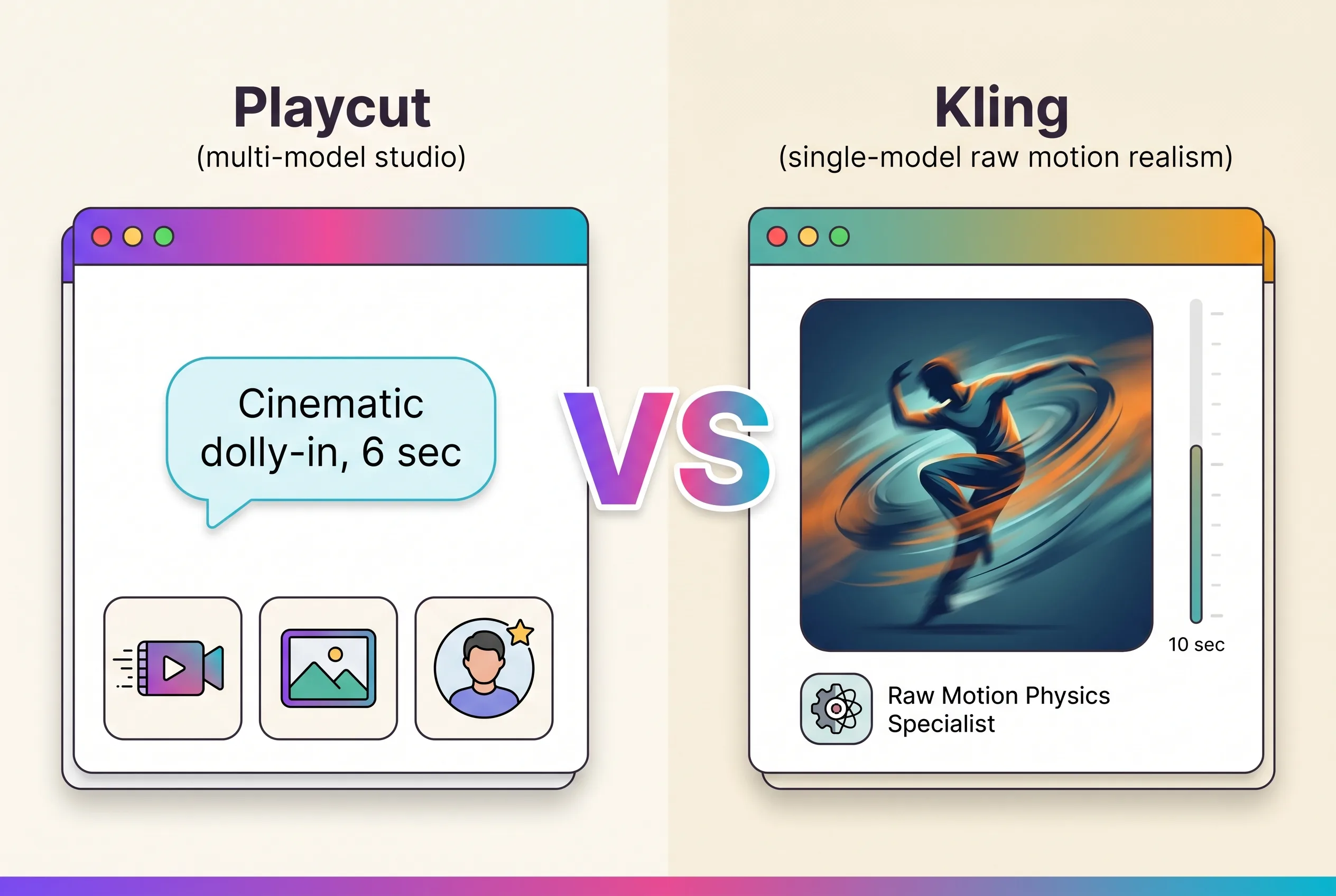
Playcut vs Kling is a comparison between a multi-model studio and one of the most-talked-about single-model video generators in 2026. Kling has built a reputation on motion realism — especially human and character motion. Playcut is the studio layer above multiple models, including Google Veo.
This guide compares Playcut and Kling on models, motion quality, pricing, workflow, team features, and image generation — so you can pick the right tool for your work.
Table of Contents
- Quick Comparison Table
- Models & Motion Quality
- Pricing
- Workflow
- Team & Workspace Features
- Brand Kits & AI Actors
- Image Generation
- Use-Case Fit
- Verdict
- Frequently Asked Questions
Quick Comparison Table
| Feature | Playcut | Kling |
|---|---|---|
| Cinematic video model | Google Veo | Kling 2 |
| Image generation | Imagen + Gemini | Limited |
| Reference-style video | Yes | Yes |
| Image-to-video | Yes | Yes |
| Camera controls | Via prompts | Yes (explicit) |
| Workspaces & team folders | Yes | — |
| Multi-brand brand kits | Yes | — |
| AI actor library | Yes | — |
| Starting paid tier | $19/mo | $10/mo |
| Trial | 7-day on selected plan (card required) | Free tier |
| Strength | Studio + multi-model | Motion realism |
Models & Motion Quality
Playcut: Veo + Imagen + Gemini
Playcut routes cinematic video to Google Veo — strong on motion fidelity, prompt adherence, and long-shot coherence. For images, Imagen and Gemini handle stills and reference-driven generation. The studio routes per task.
Kling: Kling 2
Kling has built a reputation on motion realism, especially for human characters and stylized output. Camera controls are explicit and well-implemented. Kling 2 ships consistently strong takes for portrait and character-focused shots.
The catch: it’s one model, one generation surface. If you want a different style or need stills, you’re switching tools.
Verdict on Models
For cinematic motion and prompt adherence across many shot types: Veo (Playcut). For human/character motion realism: Kling has a genuine edge in specific cases. For everything else — landscapes, abstract motion, product shots, image generation — Playcut’s multi-model routing wins.
Pricing
Playcut Pricing
| Plan | Price | What you get |
|---|---|---|
| Solo | $19/mo | 1,500 credits, 5 custom AI actors, 1 brand kit |
| Team | $49/mo | 4,000 credits, 25 custom actors, multi-brand kits, 4 seats, priority queue |
| Agency | $99/seat/mo | 7,500 credits/seat, unlimited custom actors, unlimited seats, API access |
Kling Pricing
| Plan | Price | What you get |
|---|---|---|
| Free | $0 | Limited daily credits |
| Standard | $10/mo | ~660 credits |
| Pro | $37/mo | ~3000 credits |
| Premier | $93/mo | ~8000 credits |
Cost Verdict
Kling is cheaper at the entry tier ($10 vs $19) and the free tier is real. For solo creators experimenting with motion-realistic AI video, Kling is the cheaper starting point.
But Playcut’s $19 covers video + image + reference + extension across multiple models on one ledger. Kling’s $10 is single-model video only — you’ll need a separate tool for images. Read our Playcut pricing guide for the full breakdown.
Workflow
Playcut: Chat-Driven Studio
One chat surface. Describe a shot. Playcut routes to the right model. Multiple takes generate in parallel. Brand kits, AI actors, and folders are wired into the chat.
Kling: Single-Generator Interface
Kling’s interface is a clean single-purpose generation panel — set prompt, reference, camera controls, length. Generate. Iterate. The flow is optimized for one task at a time, one model.
This is great for solo experimentation with motion-realistic clips. It’s less ergonomic for teams running campaigns across many brands and shot types.
Team & Workspace Features
Playcut
Workspaces with shared Team folders, per-user Private folders, multi-brand brand kits, AI actor library, and workspace-shared voices. Creator-only mutation rules.
Kling
No workspace architecture. Generations live in personal accounts. Sharing is link-based, not workspace-based.
Verdict: Playcut wins clearly for teams.
Brand Kits & AI Actors
Playcut
Multi-brand brand kits per workspace. AI actor library — reusable characters with appearance, voice, and outfit variants.
Kling
Neither feature exists in Kling.
Verdict: Playcut wins. This is the agency unlock.
Image Generation
Playcut
Image generation routes to Imagen and Gemini — high-fidelity stills, reference-driven images, prompt understanding.
Kling
Kling has limited image generation, secondary to its video focus.
Verdict: Playcut wins.
Use-Case Fit
Pick Playcut if:
- You ship video AND images (campaigns, product, brand work).
- You need workspaces, brand kits, or AI actor reuse.
- You want multi-model flexibility — Veo, Imagen, Gemini, and others.
- You’re an agency or team rather than a solo creator.
- You want one studio for everything, on one credit ledger.
Pick Kling if:
- You specifically need Kling’s motion realism for human/character shots.
- You’re a solo creator focused only on video generation.
- You want explicit camera controls and a clean single-generator interface.
- You’re on a tight budget ($10/mo Standard) and only need video.
Verdict
Kling is excellent at one thing: motion-realistic AI video, especially for human characters. If that’s your specific need, Kling is genuinely strong.
For everything else — image generation, multi-brand work, team collaboration, broader cinematic shots, longer coherence — Playcut’s multi-model studio wins.
Many production teams will use both: Playcut as the primary studio for image + video + workspace + brand work, and Kling as a specialty tool when a specific shot needs Kling’s motion style.
Try Playcut → — pick a plan, card required, cancel anytime within the 7-day trial.
Frequently Asked Questions
Is Playcut better than Kling?
Playcut and Kling serve different jobs. Kling is a single-model video generator famous for human and character motion realism. Playcut is a multi-model studio built for team and agency workflows. If you specifically need Kling’s motion style, use Kling. For broader generation needs and team collaboration, Playcut.
How does Playcut pricing compare to Kling?
Kling starts at $10/mo Standard. Playcut starts at $19/mo. Kling is cheaper at entry but covers only one model. Playcut’s $19 tier covers Veo video plus Imagen and Gemini images plus reference-style and extension across one credit ledger.
Does Kling support image generation like Playcut?
Kling has limited image generation. Playcut routes images through Imagen and Gemini, which produce high-fidelity stills with strong prompt understanding.
Can teams collaborate inside Kling?
Kling has no workspace architecture or team folders. Playcut workspaces support shared Team folders, per-user Private folders, multi-brand brand kits, and a workspace-shared AI actor library.
Which has better motion — Playcut or Kling?
Kling is genuinely strong on human and character motion realism. Playcut routes cinematic video to Google Veo, which leads on prompt adherence, long-shot coherence, and broader cinematic motion.
Conclusion
For solo creators chasing Kling’s specific motion-realism aesthetic, Kling is a great choice. For creators, marketers, and agencies who ship cinematic video AND images across multiple brands, Playcut is the broader, more capable studio.
Start your Playcut 7-day trial → — pick a plan, card required, cancel anytime within the 7-day trial.
Next steps: Read What Is Playcut? or compare against Runway, Pika, and Sora.